
Structured by document
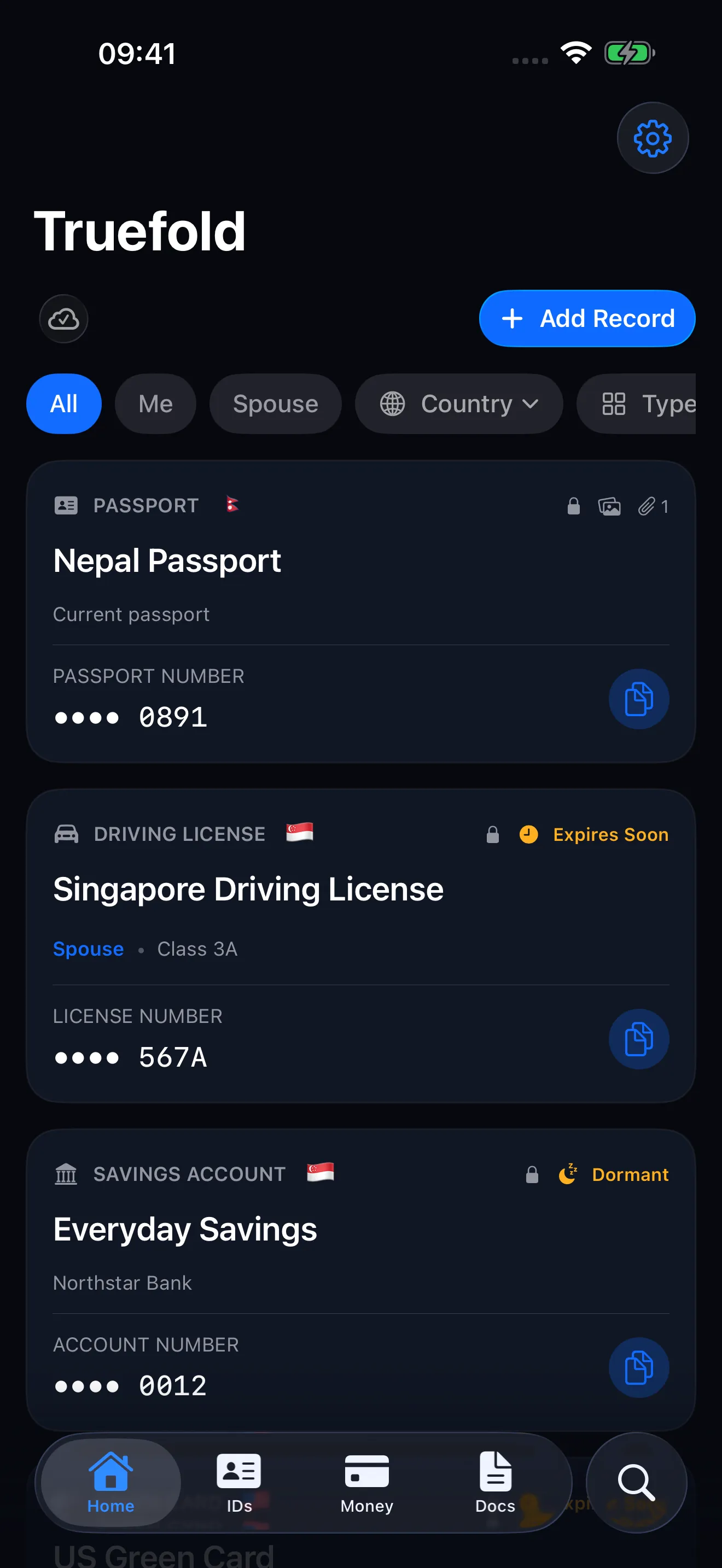
Passports, licenses, accounts, cards, visas, insurance, and certificates each come with relevant fields instead of a blank filename and folder.
A scan preserves a document. Truefold also makes the details inside it useful when a form, counter, or phone call asks for them.
Passports, licenses, accounts, cards, visas, insurance, and certificates each come with relevant fields instead of a blank filename and folder.
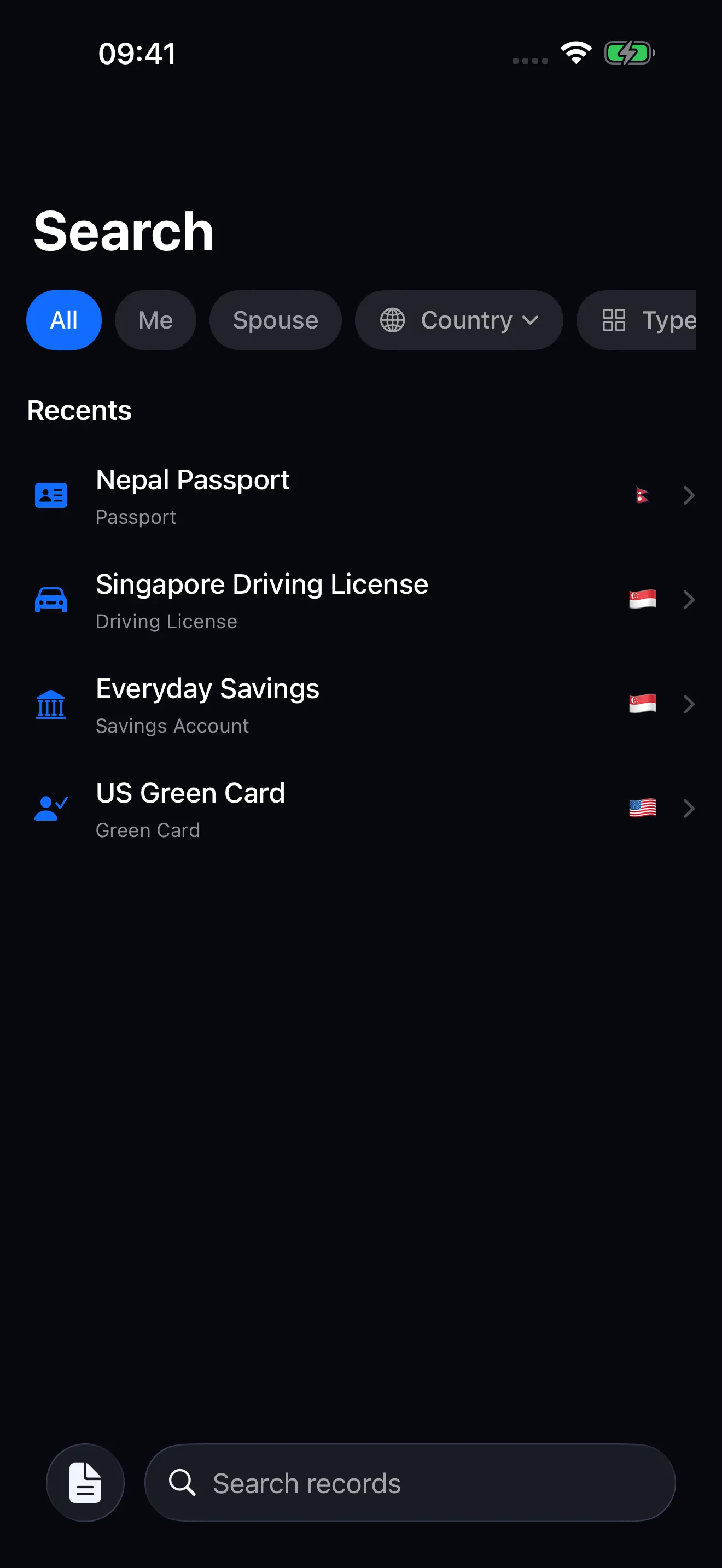
Find a record by title, holder, type, country, or non-sensitive field value. Filters narrow a large household vault without reorganising it.
Copy one field or a labelled block instead of zooming into a scan and transcribing a long number at the counter.
Local-first
Truefold stores the vault on your iPhone first. Saved records and attachments remain available at airports, border checkpoints, basements, and government offices where connectivity can be unreliable. Private iCloud sync catches up after the phone reconnects.
How offline access works →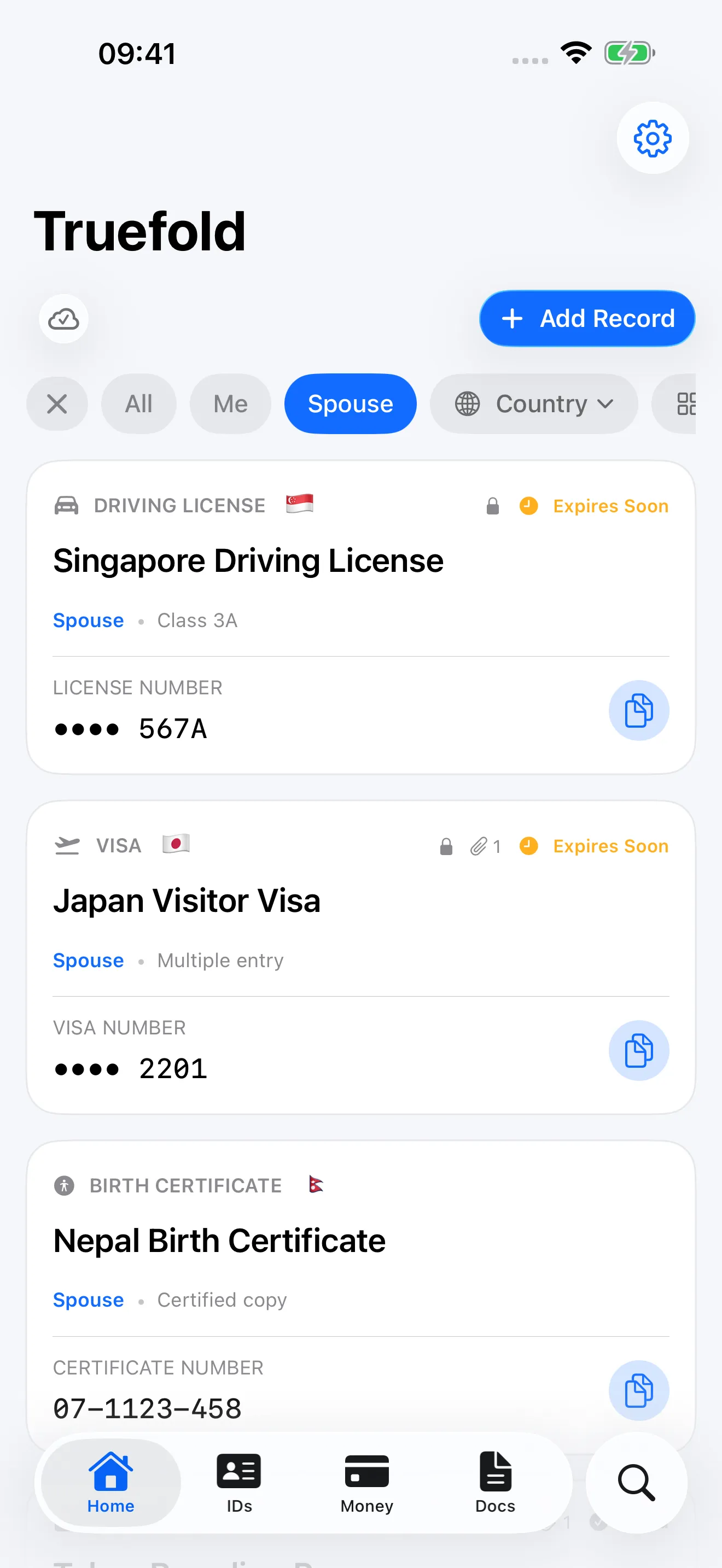
One household vault
Holder profiles keep records for a spouse, child, parent, or business distinct inside one private vault. They are labels—not accounts, permissions, or an invitation for someone else to sign in.
See what you can store →No Truefold account. No advertising profile. No analytics or tracking. No developer server holding your documents.
Face ID, Touch ID, or the iPhone passcode gates access.
Sensitive values and scans become ciphertext before storage or iCloud.
Export a complete readable archive or erase the vault and its iCloud copy.
Truefold does not claim to replace Apple Wallet, general-purpose file storage, or an official identity document. It gives the broader set of records that do not fit in Wallet a consistent retrieval experience on the device you carry.